
Case Studies / Anonymized Project Summary
Anonymized project summary: JIT replenishment and PO label workflow
A public-safe walkthrough of how replenishment reporting and receiving-label output can reduce manual shop-floor handoffs.
The business problem
Manufacturing and receiving teams lose time when material replenishment, shortage review, purchase receiving, and label output are disconnected. A user may know what needs to be built, but still has to check component requirements, backflush locations, on-hand quantity, alternate supply locations, and label details manually.
The practical goal was to turn that scattered review into a controlled workflow: show what material is needed, flag shortages or missing locations, and produce receiving labels from ERP context instead of re-keyed information.
How we solved it
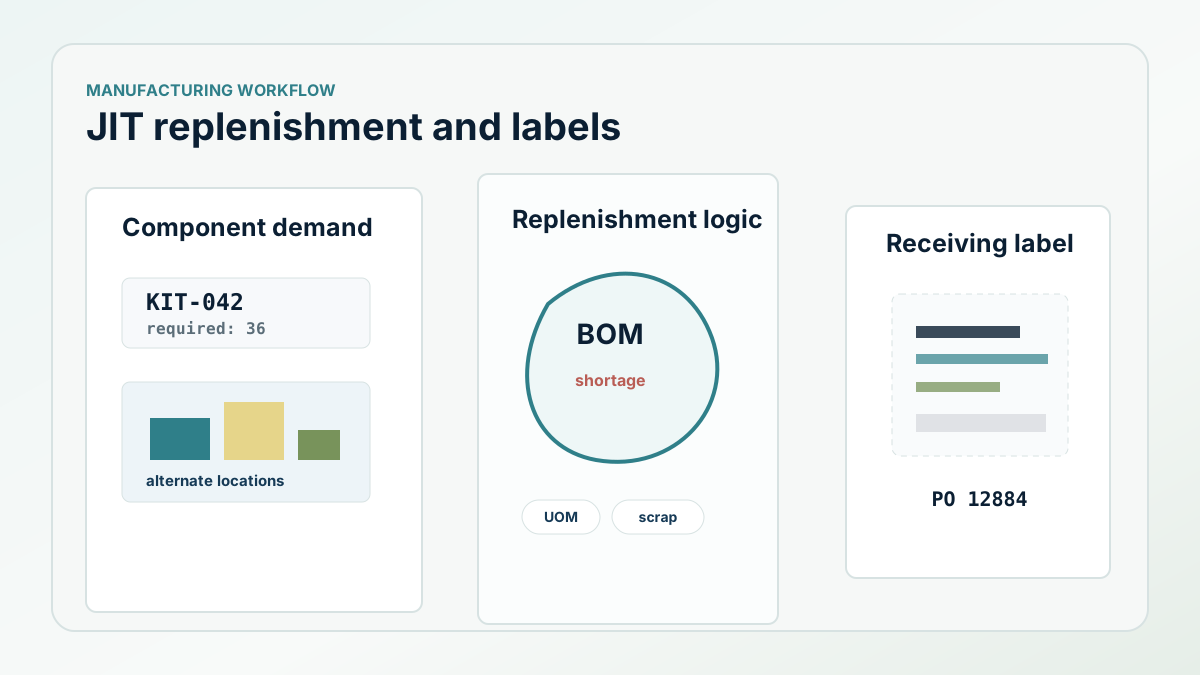
The replenishment report accepted a list of parent items and quantities, then recursively exploded the material requirements through the job material structure. It accounted for units of measure, scrap, backflush settings, phantom items, missing backflush locations, skipped locations, on-hand inventory, and alternate locations with available stock.
The label workflow was tied to purchase receiving. A dedicated label print procedure gathered the PO number, line, release, item, description, vendor, receipt date, label quantity, received quantity, unit of measure, item revision, PO revision, quality receiver number, user, and location. That gave the label the operational context users needed without typing the same details again.
What the implementation looked like
The replenishment logic staged input items, then built an output table with location, item, description, unit of measure, quantity required, quantity on hand, backflush flag, shortage flag, and alternate location. When an item was short at the expected location, the procedure looked for other non-MRB locations with available stock and added those as alternates for review.
The receiving-label form gave users a focused place to select PO context and label quantities. Instead of printing labels from a separate manual process, the label data was pulled from ERP records at the point of receiving.
- Explode parent demand into component requirements.
- Calculate required quantity with UOM and scrap behavior.
- Flag missing backflush locations and shortages.
- Show alternate locations with available stock.
- Print receiving labels from PO, item, location, quantity, user, and revision context.
The ROI to measure
The measurable value is reduced manual lookup time, fewer label re-entry mistakes, faster shortage review, and clearer handoffs between planning, receiving, and the floor. The project is not about making another report. It is about making the next physical step easier to trust.
Next step
Have inventory or label workflows that still depend on manual review?
Business Intuition can map the workflow, identify the data path, and define what should be automated or made visible.