
White Papers / Checklist
Upgrade readiness for customized SyteLine environments
A readiness checklist for teams with forms, reports, SQL, events, imports, exports, integrations, UETs, and IDOs that must survive an upgrade.
The business problem
A SyteLine upgrade is not just a version change. It is a business continuity exercise. Reports still have to run. Forms still have to open. IDOs, UETs, scripts, labels, imports, exports, integrations, events, and scheduled jobs still have to support the work people perform every day.
The biggest upgrade risk is usually not the installer. It is the customization nobody tested because it was forgotten, undocumented, or assumed to be standard.
How we solved it
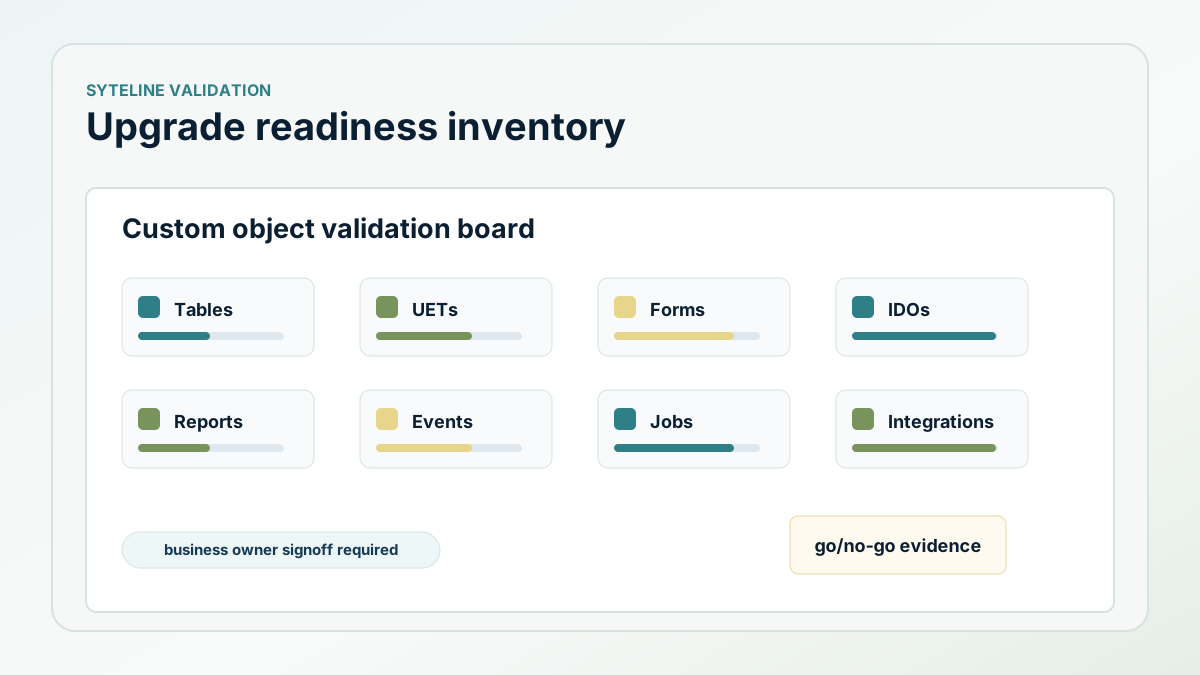
The readiness pattern starts with an object inventory. Each folder of scripts, forms, IDOs, UETs, reports, and supporting files is reviewed and sequenced. Table scripts run before dependent objects. UET scripts run before forms that expect those fields. IDOs are imported through the proper utility, and the IDO cache is discarded so the environment can see the new or changed metadata.
The work also separates what should be reinstalled from what should not be touched. In one upgrade note, a web application folder was explicitly excluded because it was already installed on the utility server. That is the level of specificity an upgrade plan needs: not just a list of objects, but a decision about what happens to each object.
What the implementation looked like
A useful upgrade plan ranks custom objects by business impact. A form tied to purchase receiving or lockbox posting carries different risk than a rarely used utility. A report used during month-end deserves its own validation scenario. An integration that creates orders or moves payment data needs source and target testing, not only a successful script install.
The validation plan should include business owners. The project team can confirm that a form imported, but the business owner confirms that receiving, posting, exporting, reporting, or reviewing still works.
- Inventory tables, UETs, forms, reports, IDOs, events, scripts, jobs, and integrations.
- Sequence installation so dependencies exist before dependent objects are applied.
- Import IDOs correctly and discard the cache after metadata changes.
- Exclude already-installed components intentionally instead of reinstalling blindly.
- Validate each high-impact workflow with the business owner.
The ROI to measure
The value of upgrade readiness is reduced go-live surprise. Measure issues found before go-live, critical workflows validated by owners, reduced post-upgrade disruption, and clearer go/no-go decisions for leadership.
Next step
Preparing a customized SyteLine environment for upgrade?
We can help inventory the risk areas and build a validation plan around the workflows that matter most.