category

CloudConnect Articles & Walkthroughs

CloudConnect keeps the SQL Server skills, reports, and validation habits your team already trusts useful after ERP moves to CloudSuite Industrial in the cloud. The walkthroughs in this category show the actual work behind that promise: how read access is set up without compromising the environment, how catalog, order, inventory, and pricing data moves between ERP and outside systems, and how portal integrations stay aligned with ERP order status. Each piece is written from project experience, not product marketing, so you can see what the setup involves, what to validate, and what supportable looks like before you commit to an approach.

Resources

2 articles

Back to all resources
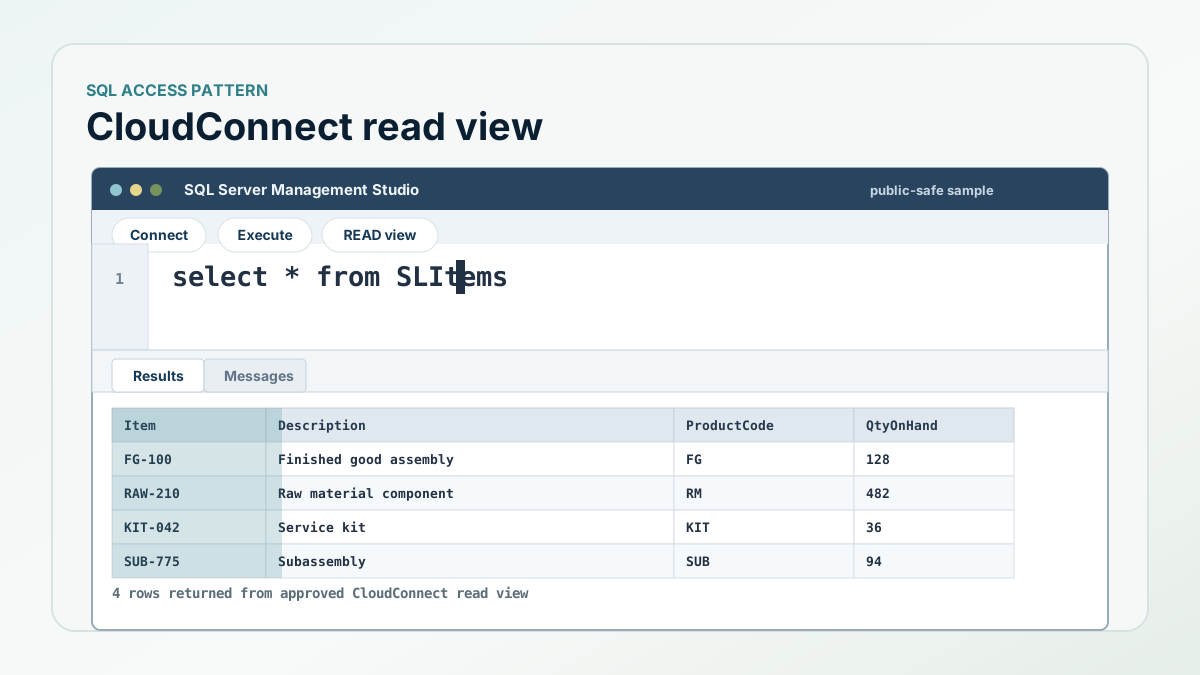
SQL Server Management Studio-style view showing an example SLItems query and item master result grid.
CloudConnect Product Walkthrough 8 min read

A walkthrough: keeping SQL Server reporting useful for CloudSuite Industrial

A practical walkthrough of how CloudConnect keeps SQL Server reporting, validation jobs, Power BI, and integration workflows connected to CloudSuite Industrial cloud data.

Read article
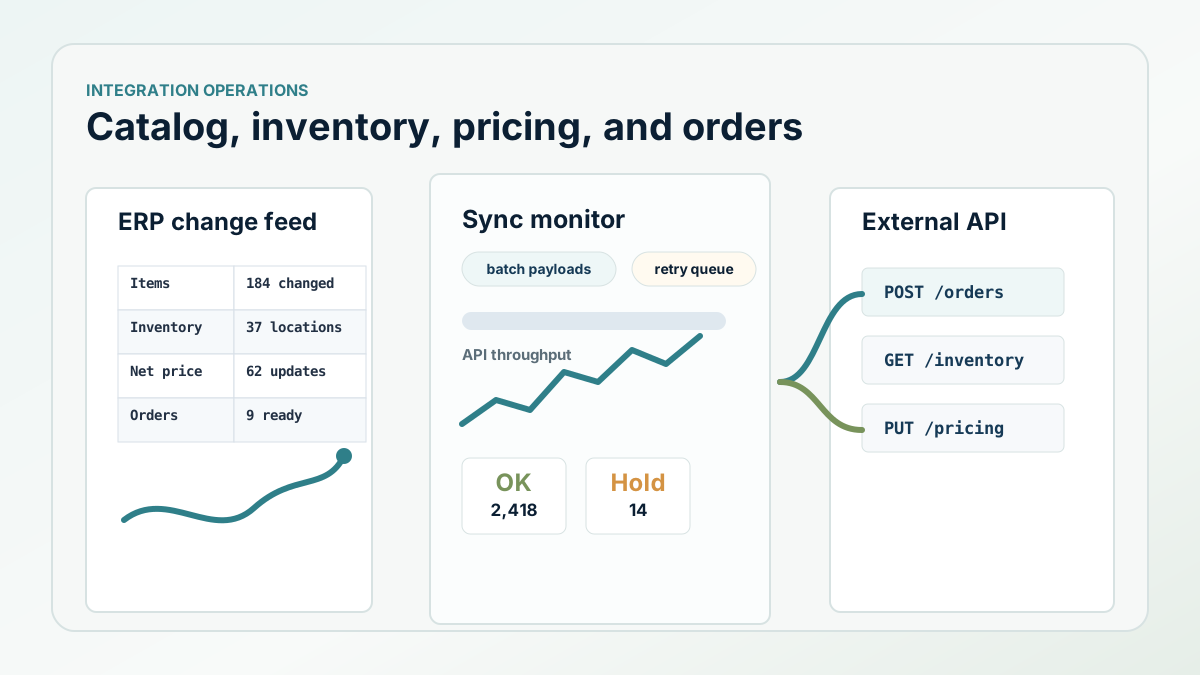
Integration operations dashboard showing ERP catalog, inventory, pricing, and order sync activity.
CloudConnect Integration Walkthrough 7 min read

How ERP catalog, order, inventory, and pricing integrations should be built

A walkthrough of the work behind product catalog, order, inventory, pricing, discount, cost, and customer data movement.

Read article